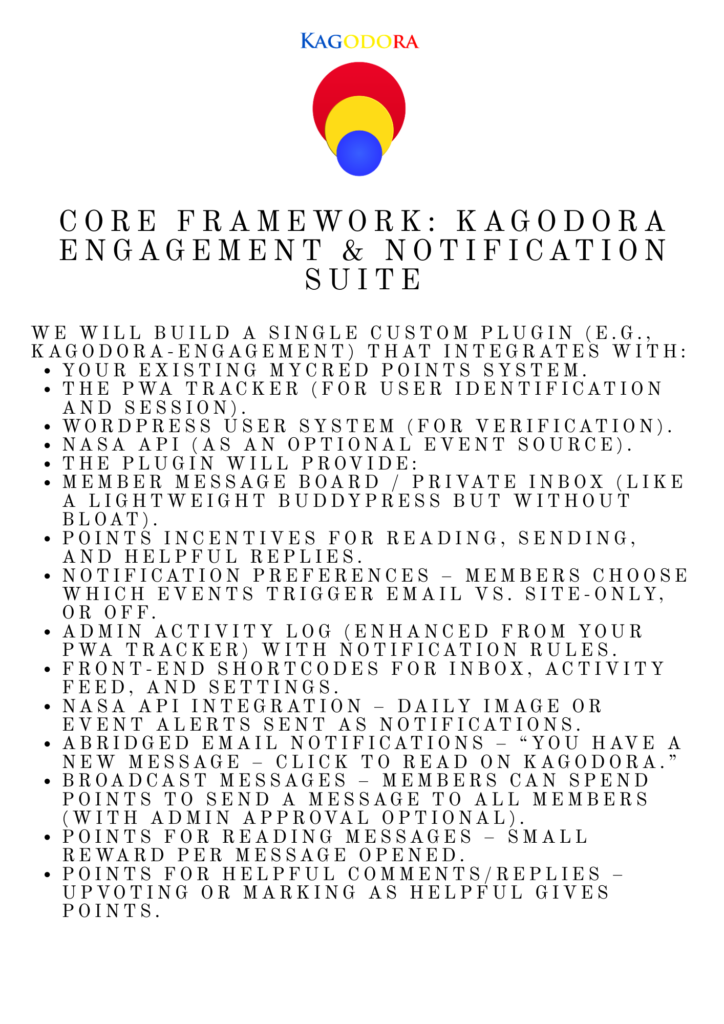
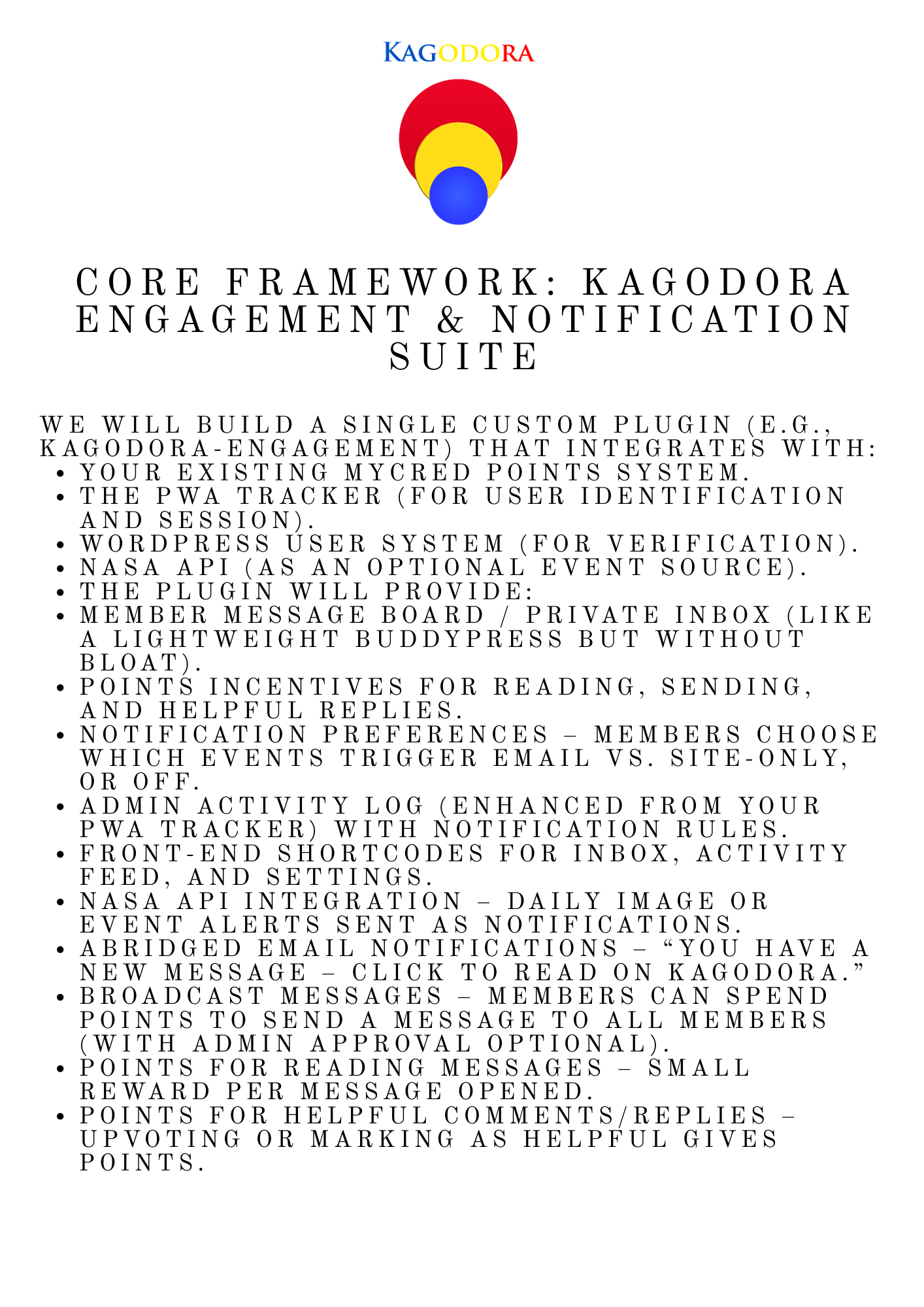
Core Framework: Kagodora Engagement & Notification Suite
Core Framework: Kagodora Engagement & Notification Suite Ray 2047 AhDo 3:83 (start)
Membership engagement is key to keeping the kagodora growing designing a notification system that both tracts site activity and categorizes it fro display and distribution to members is the plan to procure, cultivate and maintain membership activity. Adding a membership message box or display board that notifies the member like the wallets displays points will also need to be created and added o the current code.
Core Framework: Kagodora Engagement & Notification Suite
We will build a single custom plugin (e.g., kagodora-engagement) that integrates with:
- Your existing myCRED points system.
- The PWA tracker (for user identification and session).
- WordPress user system (for verification).
- NASA API (as an optional event source).
The plugin will provide:
- Member message board / private inbox (like a lightweight BuddyPress but without bloat).
- Points incentives for reading, sending, and helpful replies.
- Notification preferences – members choose which events trigger email vs. site‑only, or off.
- Admin activity log (enhanced from your PWA tracker) with notification rules.
- Front‑end shortcodes for inbox, activity feed, and settings.
- NASA API integration – daily image or event alerts sent as notifications.
- Abridged email notifications – “You have a new message – click to read on Kagodora.”
- Broadcast messages – members can spend points to send a message to all members (with admin approval optional).
- Points for reading messages – small reward per message opened.
- Points for helpful comments/replies – upvoting or marking as helpful gives points.
1. Database Tables (custom, minimal)
We’ll create three custom tables:
| Table Name | Fields | Purpose |
|---|---|---|
wp_kagodora_messages | id, sender_id, recipient_id (0 = all members for broadcast), subject, content, type (private, broadcast, system), points_cost, status (unread, read, deleted), created_at, read_at | Store all messages (private & system notifications) |
wp_kagodora_message_meta | id, message_id, meta_key, meta_value | For likes, helpful flags, etc. |
wp_kagodora_user_preferences | user_id, pref_key (email_notify, site_notify, events_list), pref_value (JSON or serialized) | Store notification settings per user |
Alternatively, we can use WordPress user meta for preferences (simpler), but custom tables are cleaner for high volume.
2. Points Integration (myCRED Hooks)
We will create custom myCRED hooks for:
- Read message – award points when a user marks a message as read (first time only).
- Send message – deduct points when sending a broadcast (optional for private messages).
- Receive helpful rating – award points when a user’s comment/reply is marked “helpful” by another.
- Daily activity – optional: points for logging in and checking inbox.
All point transactions will be logged with a reference like kagodora_message_read_{message_id}.
3. Notification Types & User Preferences
Users will be able to choose, per event type, how they want to be notified:
- Site inbox only (message board)
- Email only (abridged with link back)
- Both (default)
- Off (no notification)
Events to include:
| Event | Trigger | Default Setting |
|---|---|---|
| New private message | Someone sends them a message | Both |
| Broadcast message | Admin or user‑sent broadcast to all | Site inbox only (to avoid spam) |
| New post/page/product | WordPress publish action | Off (admin can enable for all) |
| New user registration | user_register hook | Off |
| New comment on their post | wp_insert_comment | Both |
| NASA daily image | Daily cron fetch | Off (user must opt in) |
| Admin announcement | Admin creates via plugin | Both (forced for important) |
Preferences stored in wp_kagodora_user_preferences as JSON.
4. Frontend Shortcodes & UI
| Shortcode | Purpose |
|---|---|
| Displays user’s message inbox, with tabs for unread/read/sent. Includes reply, mark as read, delete, and “broadcast” button (if user has enough points). |
[kagodora_activity_feed] | Shows a global feed of recent site activities (new posts, broadcasts, etc.) – similar to the admin dashboard but public. |
| Form for users to adjust their per‑event preferences. |
[kagodora_points_summary] | Display current points balance and recent transactions related to messaging. |
All shortcodes will be fully responsive and work inside the existing Kagodora PWA.
5. Admin Settings Panel
A new sub‑menu under Kagodora → Engagement with:
- Points settings: amounts for read, send broadcast, helpful reply.
- Notification rules: which events are active globally, default preferences for new users.
- NASA API key field and cron schedule (daily at a chosen time).
- Broadcast approval: require admin approval for user‑sent broadcasts (toggle).
- Email template editor for abridged notifications (using placeholders:
{{subject}},{{link}}, etc.).
6. Email Notifications (Abridged Strategy)
Email will be a teaser, not the full content. Example:
Subject: New message on Kagodora from @JohnDoe
Body:
You have a new message in your Kagodora inbox.
Subject: “Meetup tomorrow?”
Snippet: “Hi, would you like to meet tomorrow at the…”
👉 Read full message and reply on Kagodora
This drives traffic back to the site, preserves engagement, and reduces email complexity.
7. NASA API Integration
We will create a scheduled event (once daily) that fetches:
- Astronomy Picture of the Day (APOD) – send as a system notification to all users who opted in.
- Asteroid close approach data – optional, could be a weekly digest.
The notification will be a special type = 'nasa' message in the inbox, with a link to the NASA site and an image embed (if PWA supports).
Users can toggle this preference in their settings.
8. Points for Reading & Helpful Replies
- Reading a message (first time only): award e.g., +1 point. Prevent multiple awards by checking
read_attimestamp and a meta flag. - Marking a reply as helpful: in the inbox, each message can have a “👍 Helpful” button. Clicking it awards +2 points to the author of the reply and deducts nothing from the reader (or optionally deducts 1 point from the giver – we can configure).
We’ll use myCRED’s mycred_add function.
9. Workflow for Broadcast Messages (Cost Points)
- User clicks “Send Broadcast” in inbox.
- Check if user has sufficient points (e.g., 50 points).
- Show a form: subject, content, and optional “Request admin approval” checkbox (if enabled).
- If approval required, message goes to
pendingstatus, admin approves/rejects from admin panel. - If no approval or approved, message inserted with
recipient_id = 0, points deducted. - All active users receive it in their inbox.
10. Integration with Existing Plugins
- myCRED – points hooks.
- Your PWA tracker – reuse user session, maybe extend
kagodora_pwa_trackerto also log message events. - Image upload & gallery – no direct integration but can be notified when new images uploaded (by hooking into the upload process).
Implementation Phases (After Agreement)
| Phase | Deliverables | Estimated Code Lines |
|---|---|---|
| 1 | Database tables, activation, uninstall | 150 |
| 2 | Basic message CRUD (private messaging) with shortcode | 400 |
| 3 | Points hooks (read, send broadcast) | 150 |
| 4 | User preferences UI and saving | 200 |
| 5 | Email notifications (using wp_mail with custom template) | 100 |
| 6 | Admin settings panel and broadcast approval system | 200 |
| 7 | Activity feed shortcode [kagodora_activity_feed] (from WordPress events) | 150 |
| 8 | NASA API integration (daily cron) | 100 |
| 9 | Points for helpful replies (like system) | 100 |
| 10 | Full testing, documentation, and refinement | – |
Total ~1550 lines of clean, documented PHP/JS.