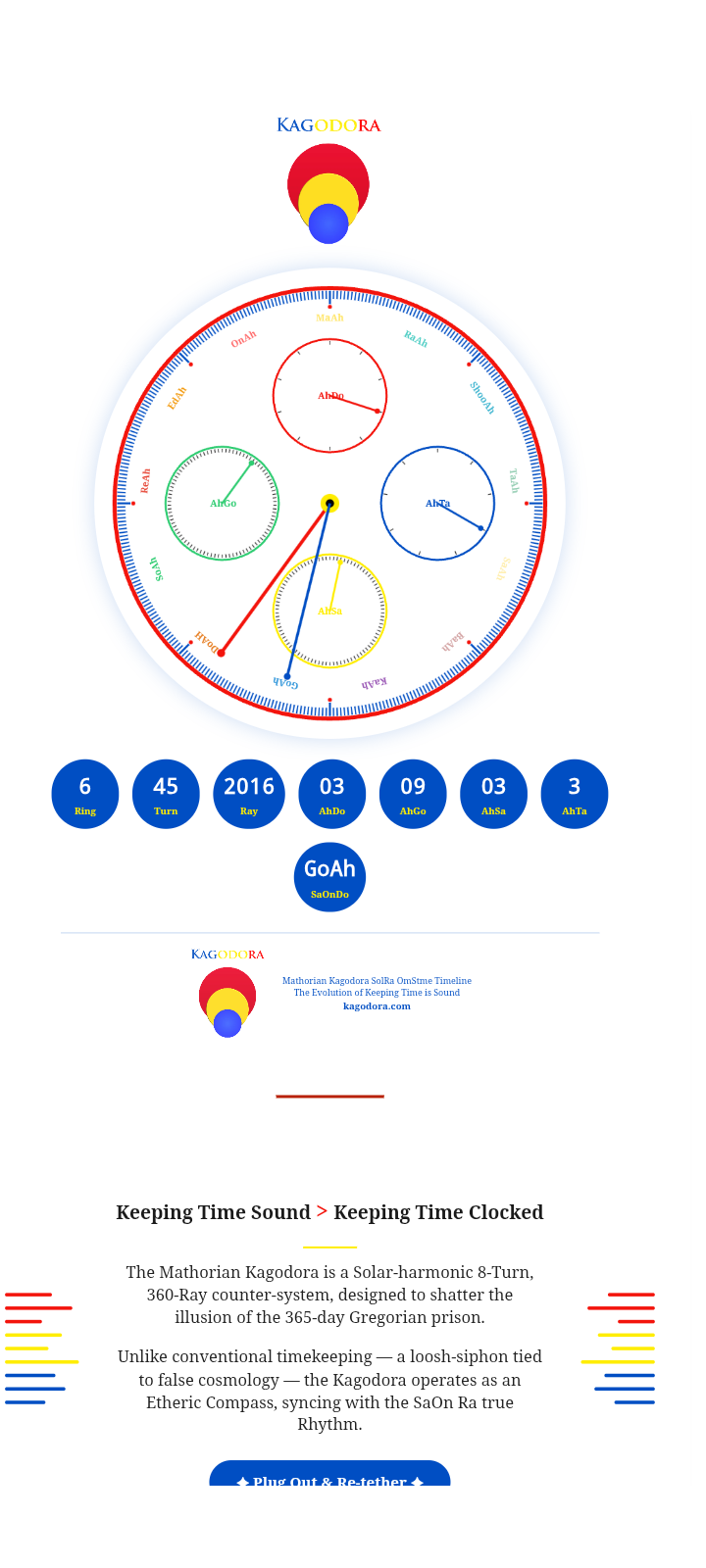
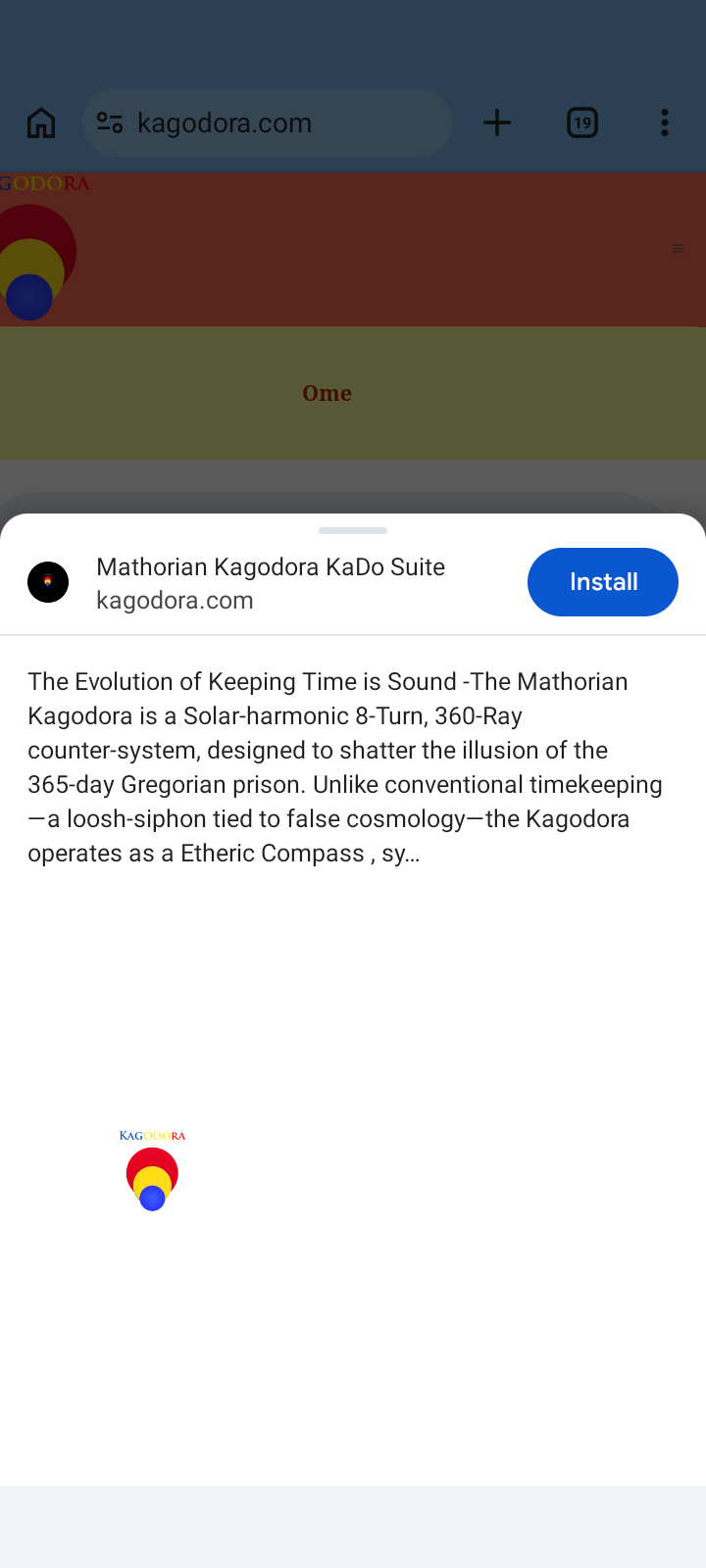
Yea we figured out the PWA
After flushing the cach did not work we disconnected it all together and turns out lite speed could not catch the code and stop it from running.
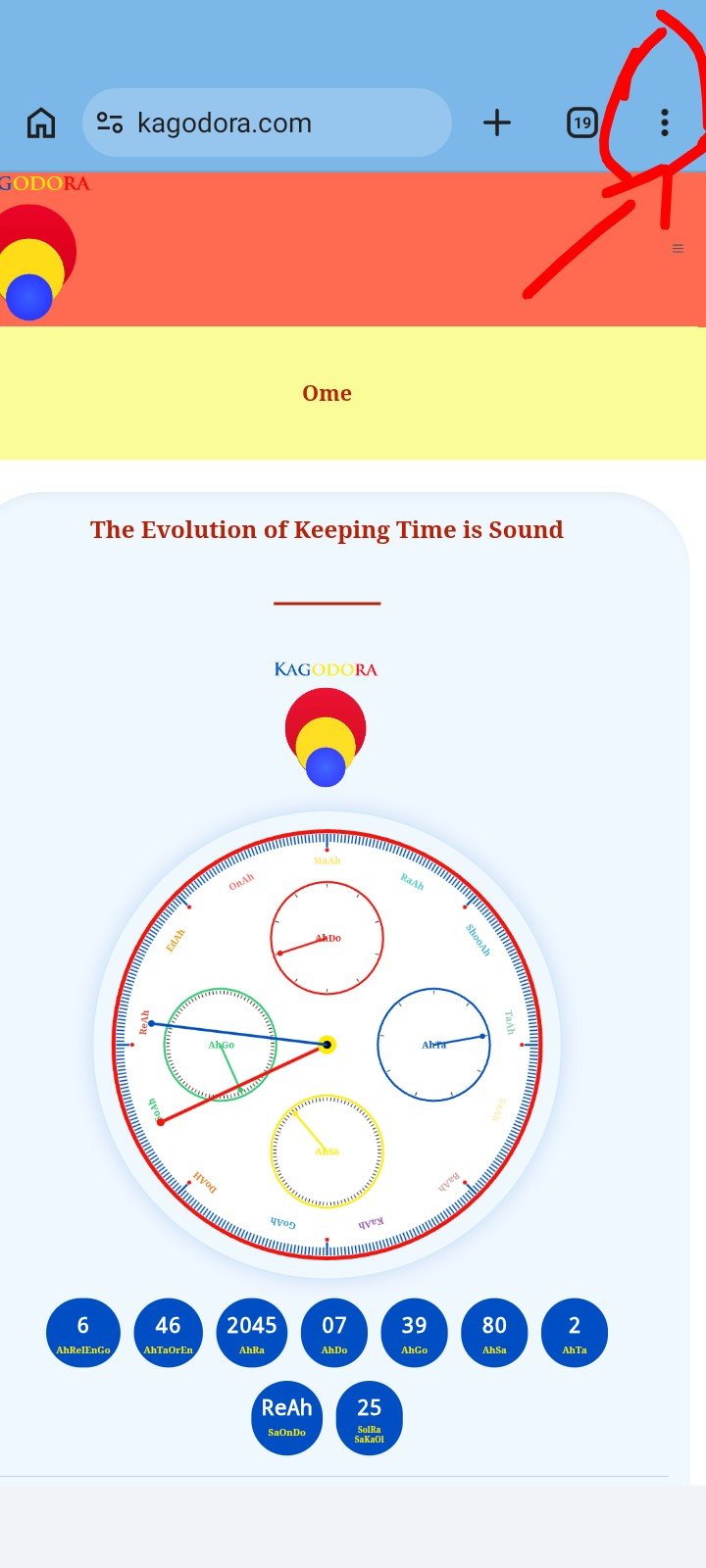
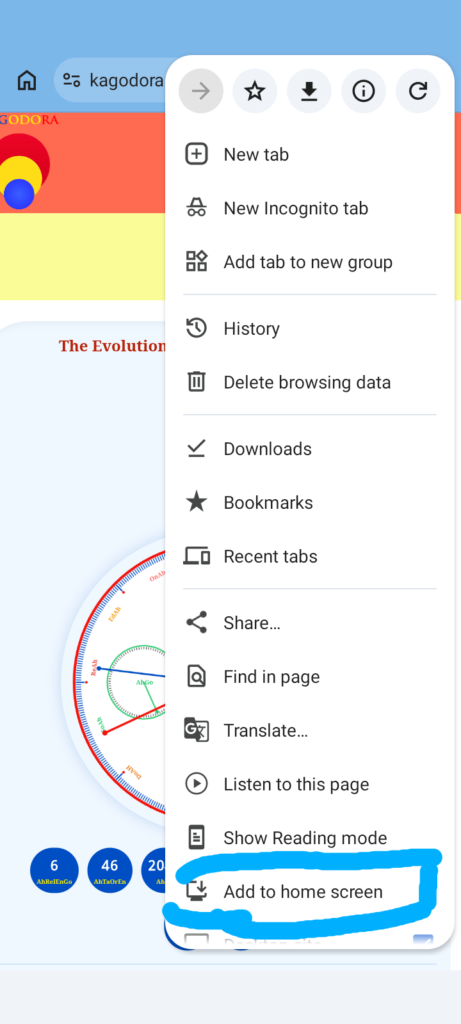
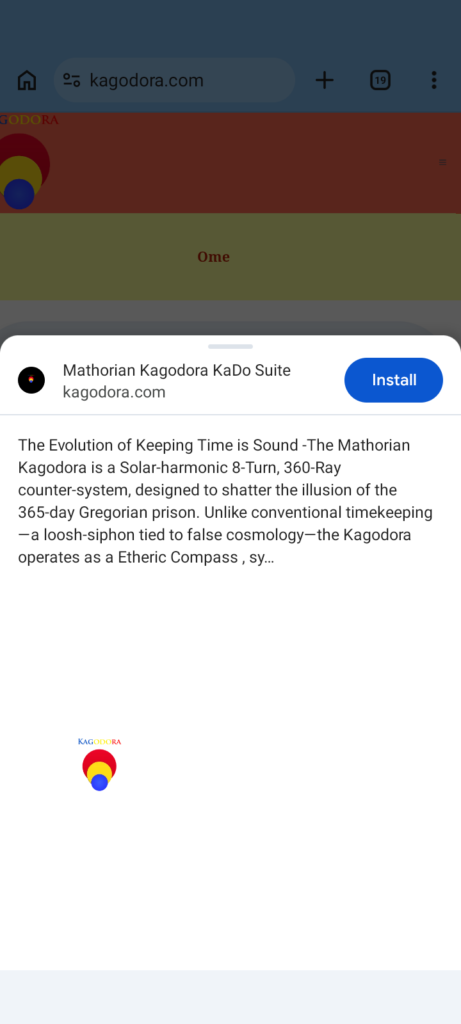
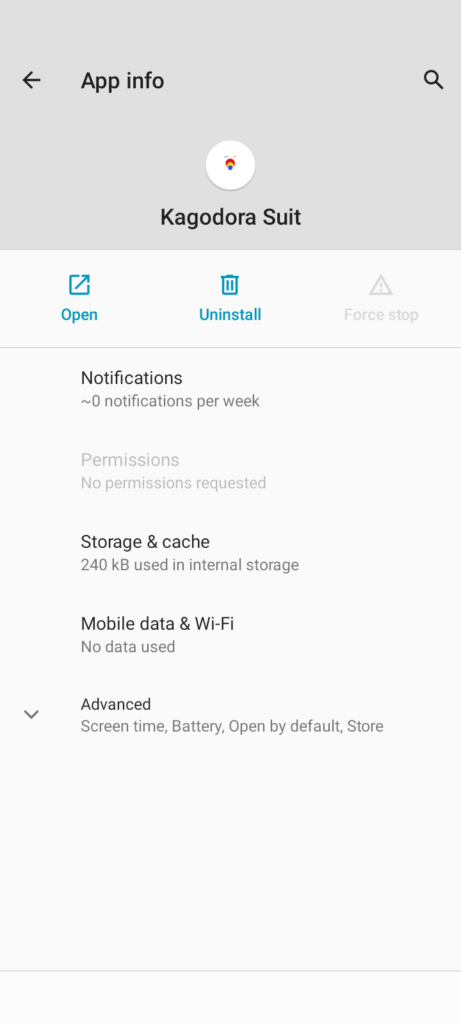
Instructions for Safari or Google (may work the same on other browsers) 1. Go to kagodora.com 2. If the browser prompts you to download the website to your home screen then follow the instructions. 3. If the browser does not prompt you to download the website to your home screen then go to the top right and click the 3 dots and scroll down until you see “Add to home screen” click it then it will take you to another screen where it will prompt you to install. Click install wait a miute and you will see a pop up stating the install is complete. Go to your home screen and look for the kagodora suit icon.